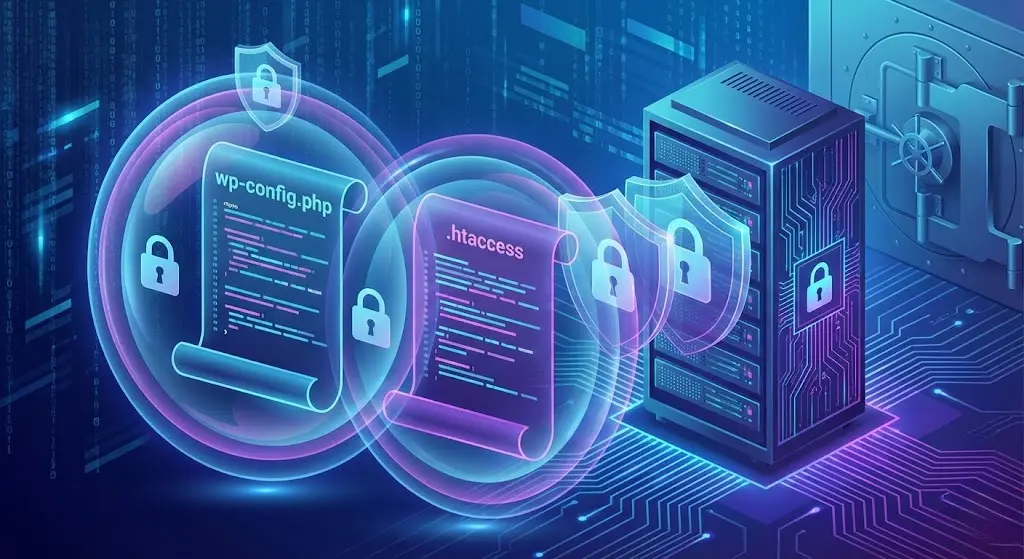
When we talk about WordPress security, the conversation often starts and ends with plugins. "Install Wordfence," "Use 2FA," "Keep plugins updated." While crucial, this advice overlooks the most fundamental layer of security: the server configuration itself.
If an attacker can bypass your application layer (WordPress) and exploit your server environment, no plugin can save you.
This guide focuses on hardening WordPress at the file level. We will dive into two critical files—wp-config.php and .htaccess—and implement advanced security rules that block attacks before they even reach your WordPress installation.
Hardening wp-config.php: The Keys to the Castle 🗝️
The wp-config.php file is the most sensitive file in your entire installation. It holds your database credentials, salt keys, and table prefixes. If compromised, it’s game over.
1. Move wp-config.php Up a Directory
By default, this file sits in your public root folder (public_html/wp-config.php). If your server misconfigures PHP processing, it could serve this file as plain text, revealing your passwords.
The Fix: Move it one level up, outside the public web root. WordPress automatically scans one level up for this file.
- Move
public_html/wp-config.phpto/home/user/wp-config.php. - No code changes required! WordPress handles this natively.
2. Disable File Editing
The built-in file editor in the WordPress dashboard is a security risk. If a hacker gains admin access, they can use it to inject malware directly into your theme or plugins.
The Fix: Add this line to wp-config.php:
define( 'DISALLOW_FILE_EDIT', true );
3. Enforce SSL and Secure Cookies
Ensure that all admin traffic happens over HTTPS and that cookies are only sent over secure connections.
The Fix:
define( 'FORCE_SSL_ADMIN', true );
@ini_set('session.cookie_httponly', true);
@ini_set('session.cookie_secure', true);
@ini_set('session.use_only_cookies', true);
Hardening .htaccess: The Bouncer at the Door 🚪
The .htaccess file (on Apache servers) controls how your server handles requests. We can use it to block malicious traffic patterns instantly.
1. Protect Critical Files
Prevent anyone from accessing sensitive files like wp-config.php, .htaccess, and error logs directly from the browser.
<FilesMatch "^.*(error_log|wp-config\.php|php\.ini|\.[hH][tT][aApP].*)$">
    Order deny,allow
    Deny from all
</FilesMatch>
2. Block XML-RPC
XML-RPC is an outdated API often used for DDoS attacks and brute-force attempts. Unless you use the WordPress mobile app or Jetpack, you likely don't need it.
<Files xmlrpc.php>
    Order Deny,Allow
    Deny from all
</Files>
3. Stop Author Enumeration
Hackers run bots to scan /?author=1, /?author=2 to find valid usernames. Once they have a username, they can brute-force the password. Block this scan.
# Block Author Scans
<IfModule mod_rewrite.c>
    RewriteEngine On
    RewriteCond %{QUERY_STRING} ^author=([0-9]*) [NC]
    RewriteRule .* - [F]
</IfModule>
4. Prevent Directory Browsing
If a folder (like /wp-content/uploads/2025/) doesn't have an index.php file, the server might list all the files inside it. This helps hackers find vulnerable files.
The Fix:
Options -Indexes
A Note on Nginx
If you are hosting on Nginx (common for high-performance setups using advanced WordPress caching), .htaccess rules won't work. You must add equivalent directives to your nginx.conf server block.
For example, to deny access to wp-config.php in Nginx:
location ~* wp-config.php {
    deny all;
}
Conclusion
Securing WordPress is an onion; it has layers. Plugins are the outer layer, but file-level hardening is the core. By locking down wp-config.php and implementing strict rules in .htaccess, you reduce your attack surface significantly.
These tweaks are "set it and forget it," providing robust, invisible protection that keeps your site safe without slowing it down. This architectural approach to security is just as important as architectural decisions in content structure.